







Modes & Positions
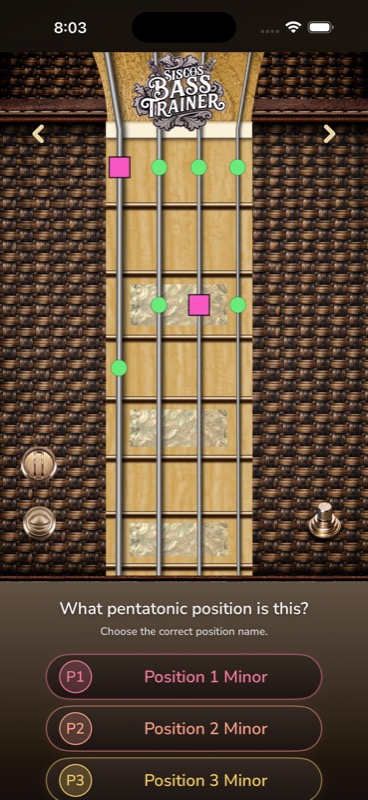
Recognize five pentatonic positions and seven diatonic modes as movable four-string shapes across the lower and upper neck.
 Sisco's Bass Trainer

Learn bass scales, bass root notes, bass scale patterns
Follow the target note
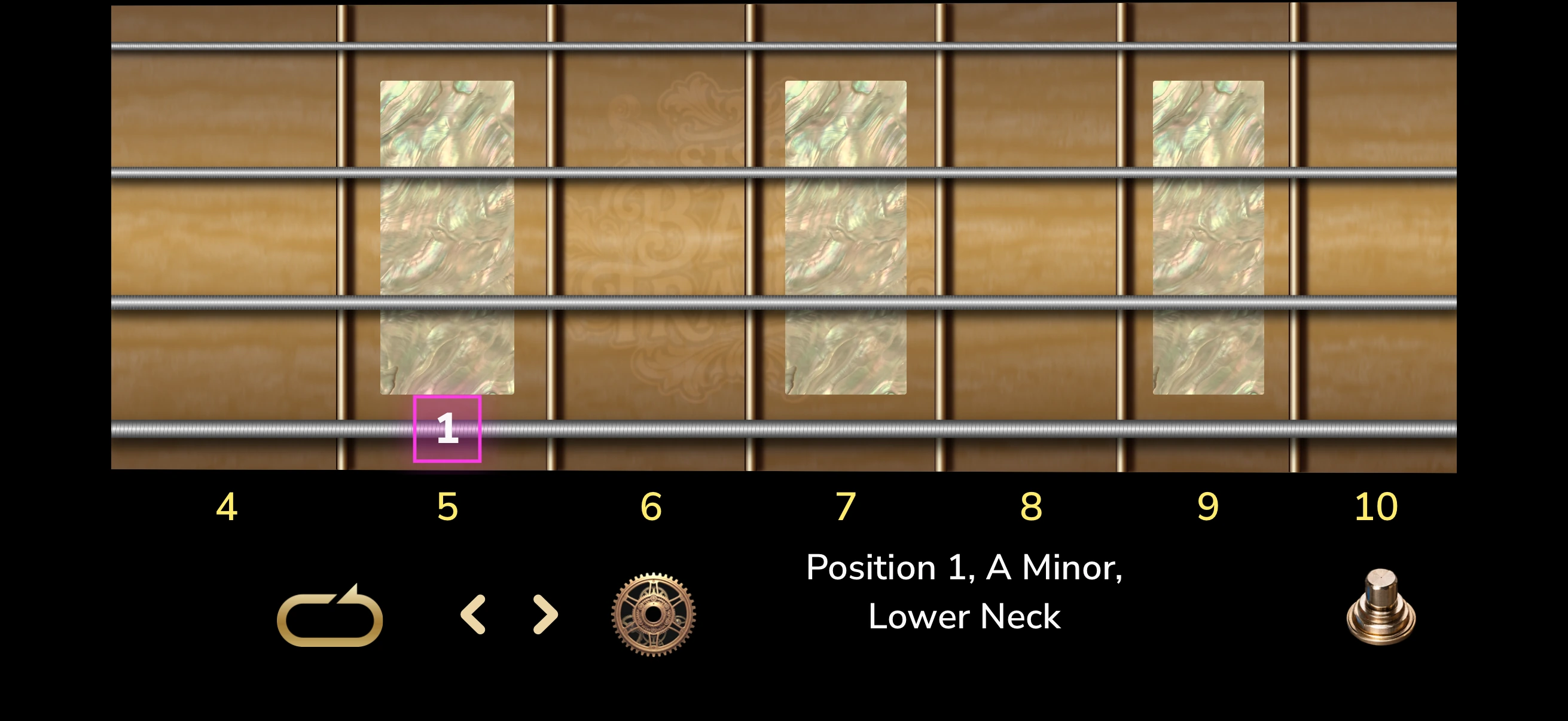
Live pitch practice
The app listens for each target note and advances when the pitch matches.
Visual bass training for iPhone & iPad
Learn bass scales on a visual four-string fretboard. Short bass guitar exercises connect positions, roots, degrees, and finger movement to the way players actually see the neck.
Scroll to explore
Bass fretboard training that moves
If you're learning bass guitar, the neck should not feel like a wall of disconnected diagrams. These visual bass lessons use movement and pattern memory to show how bass guitar scales connect across four strings.
Start with a shape, locate its roots, hear its scale degrees, then move it into your hands. The bass learning app turns fretboard theory into useful daily practice.
Three connected trainers
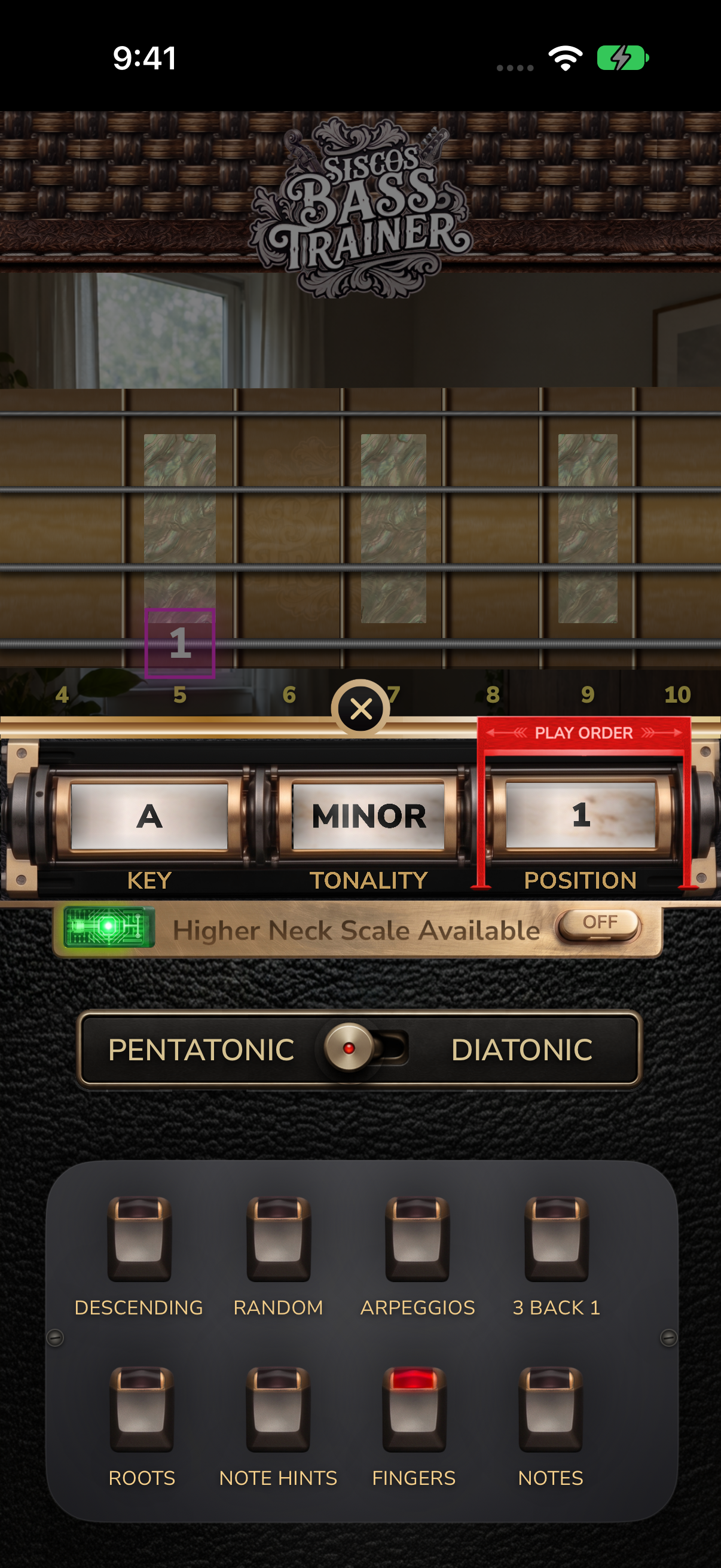
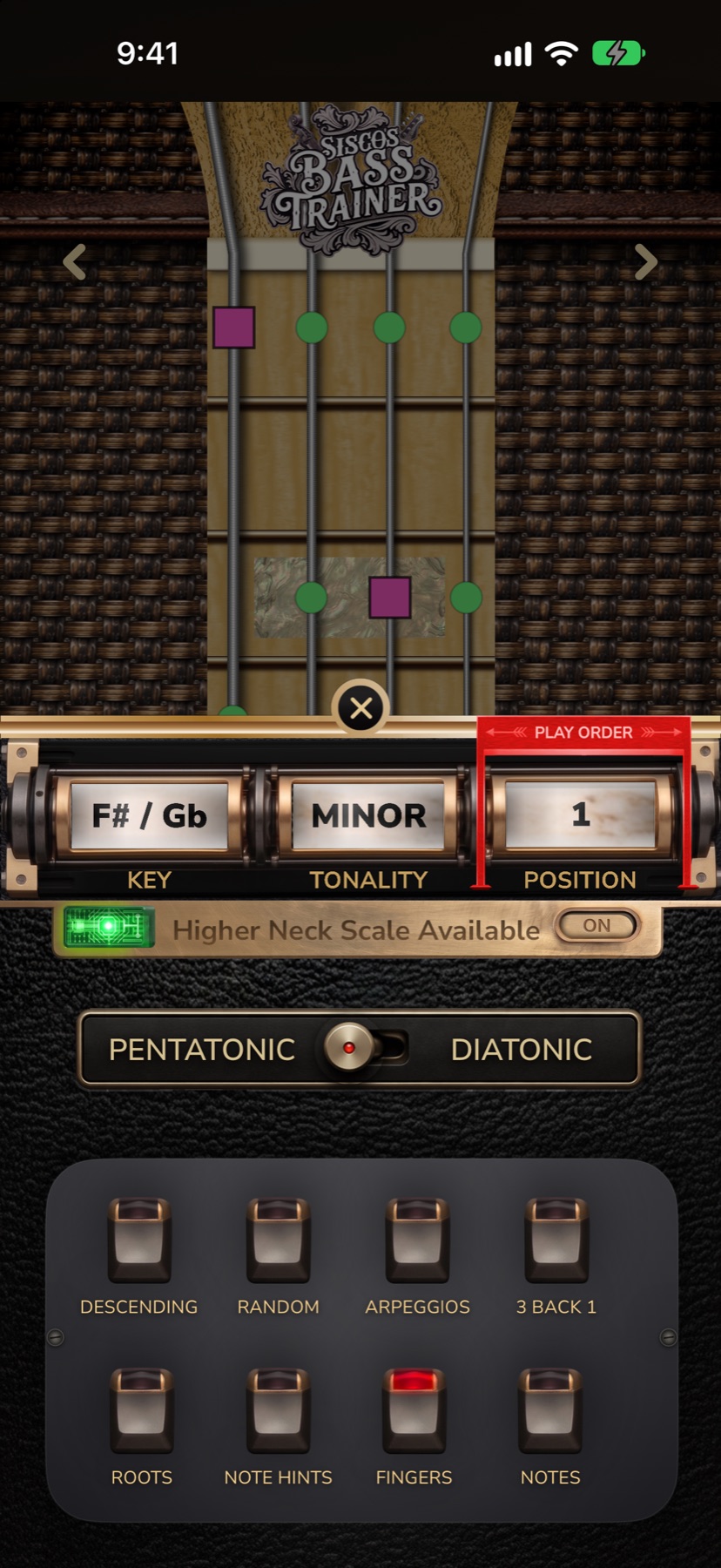
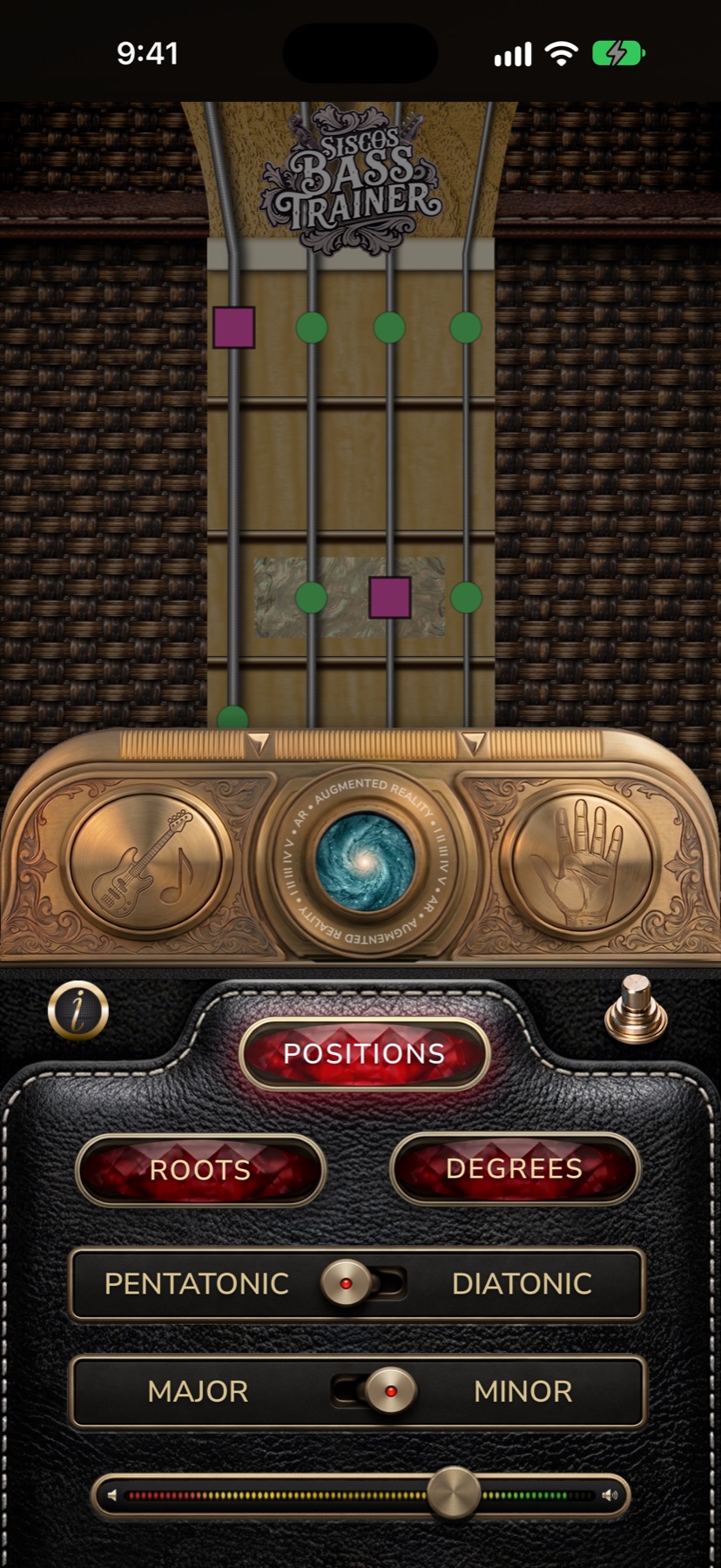
Explore bass scales for beginners and movable patterns for growing players. These real app screens show pentatonic positions, modes, roots, and degrees; some patterns require Full Unlock.
Recognize five pentatonic positions and seven diatonic modes as movable four-string shapes across the lower and upper neck.
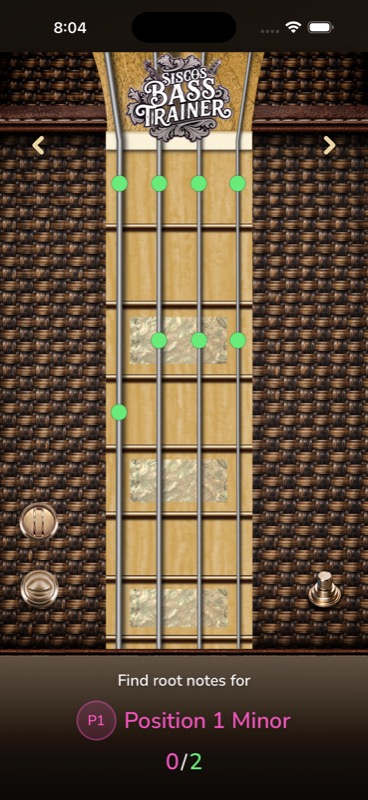
Find the home note inside the current pattern. Faster root recognition makes transposition clearer and improvising more intentional.
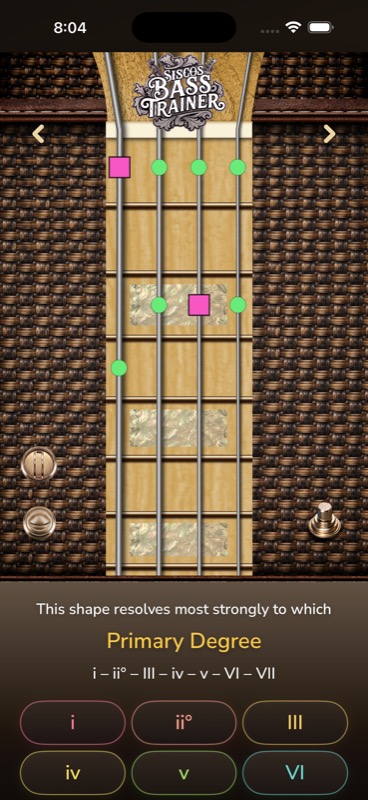
Connect the visible shape to the degree and chord relationship it naturally resolves toward, so patterns become musical choices.
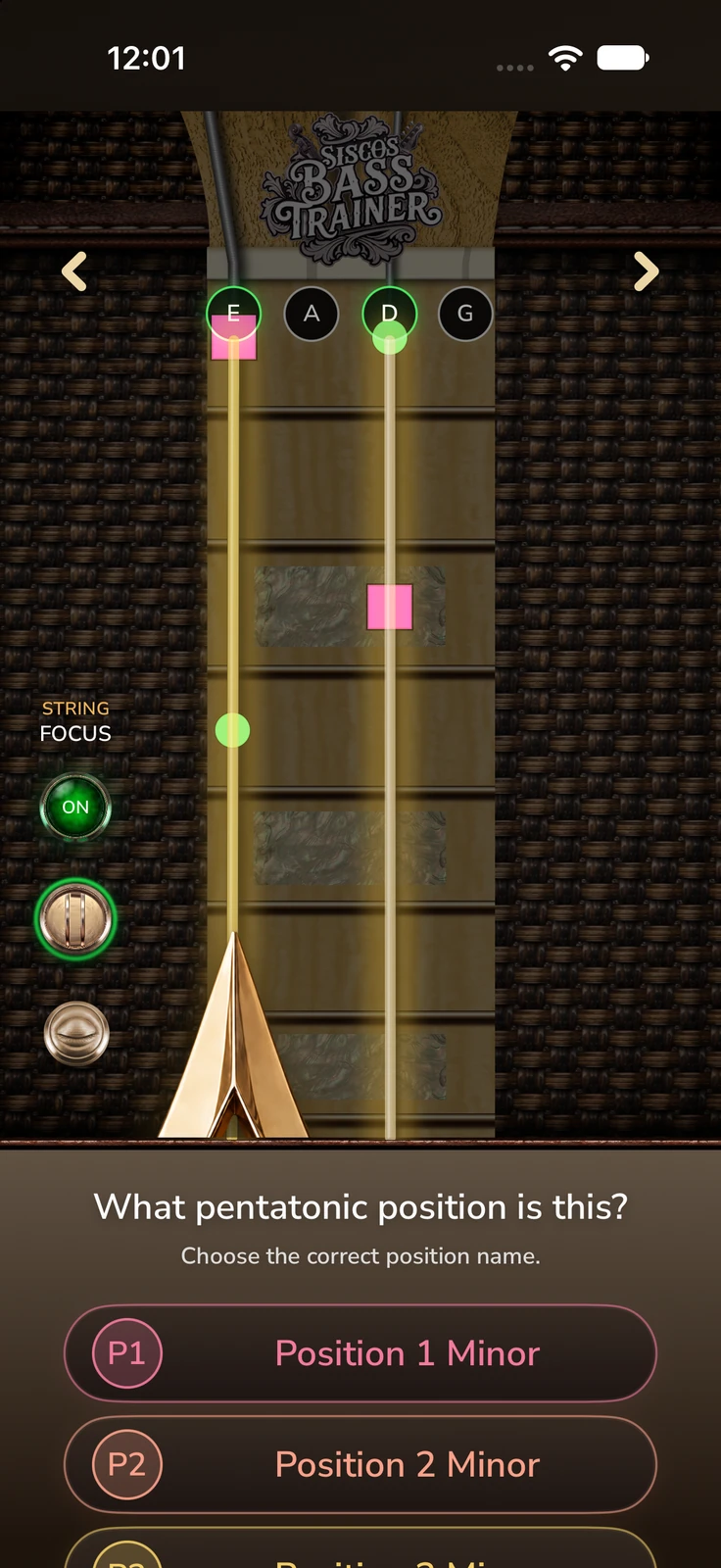
String Isolation
Switch on String Focus and choose any combination of the E, A, D, and G strings. The other strings and their notes disappear from the fretboard, so smaller note groupings inside a full bass scale shape become easier to see and practice.
Practice anywhere
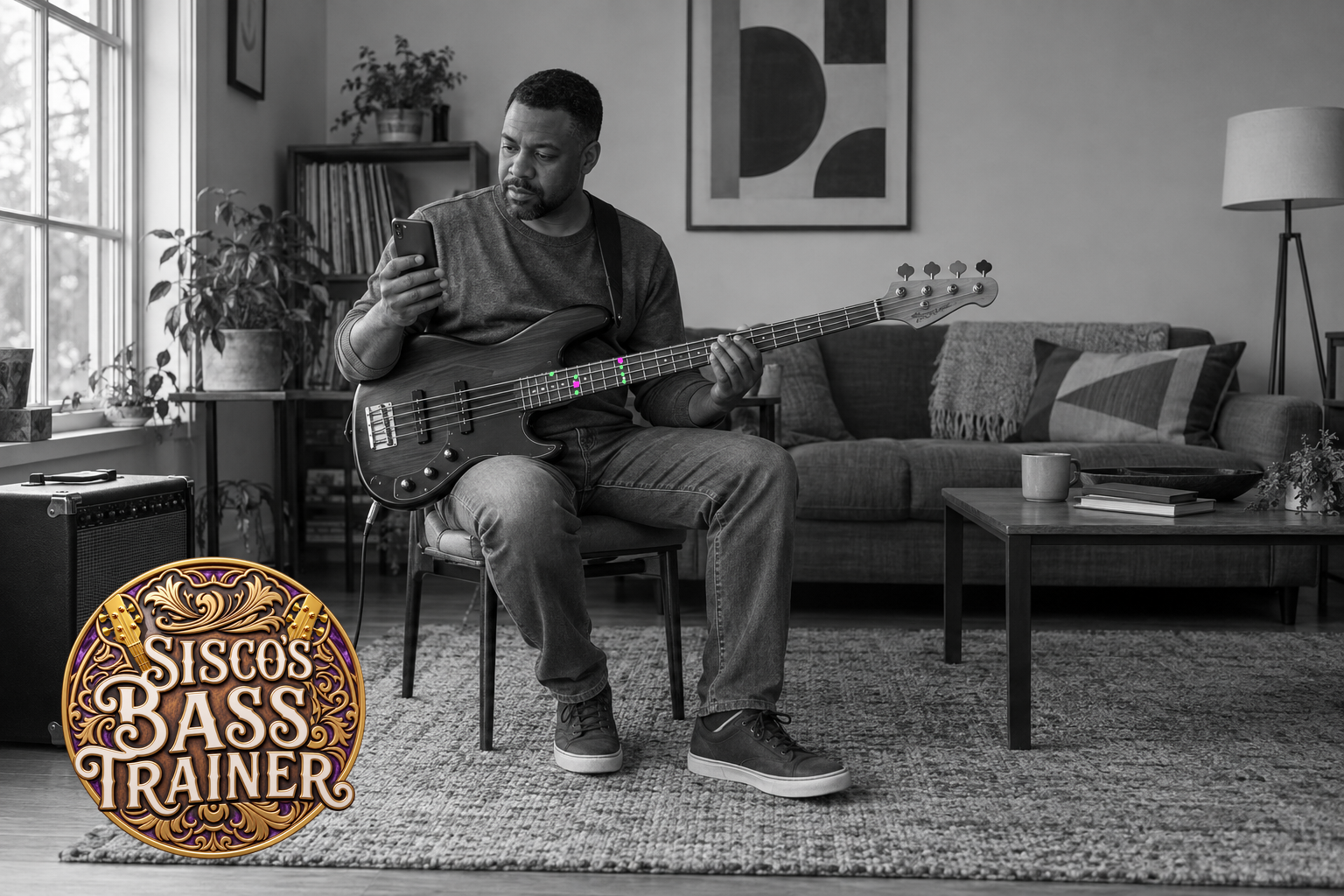
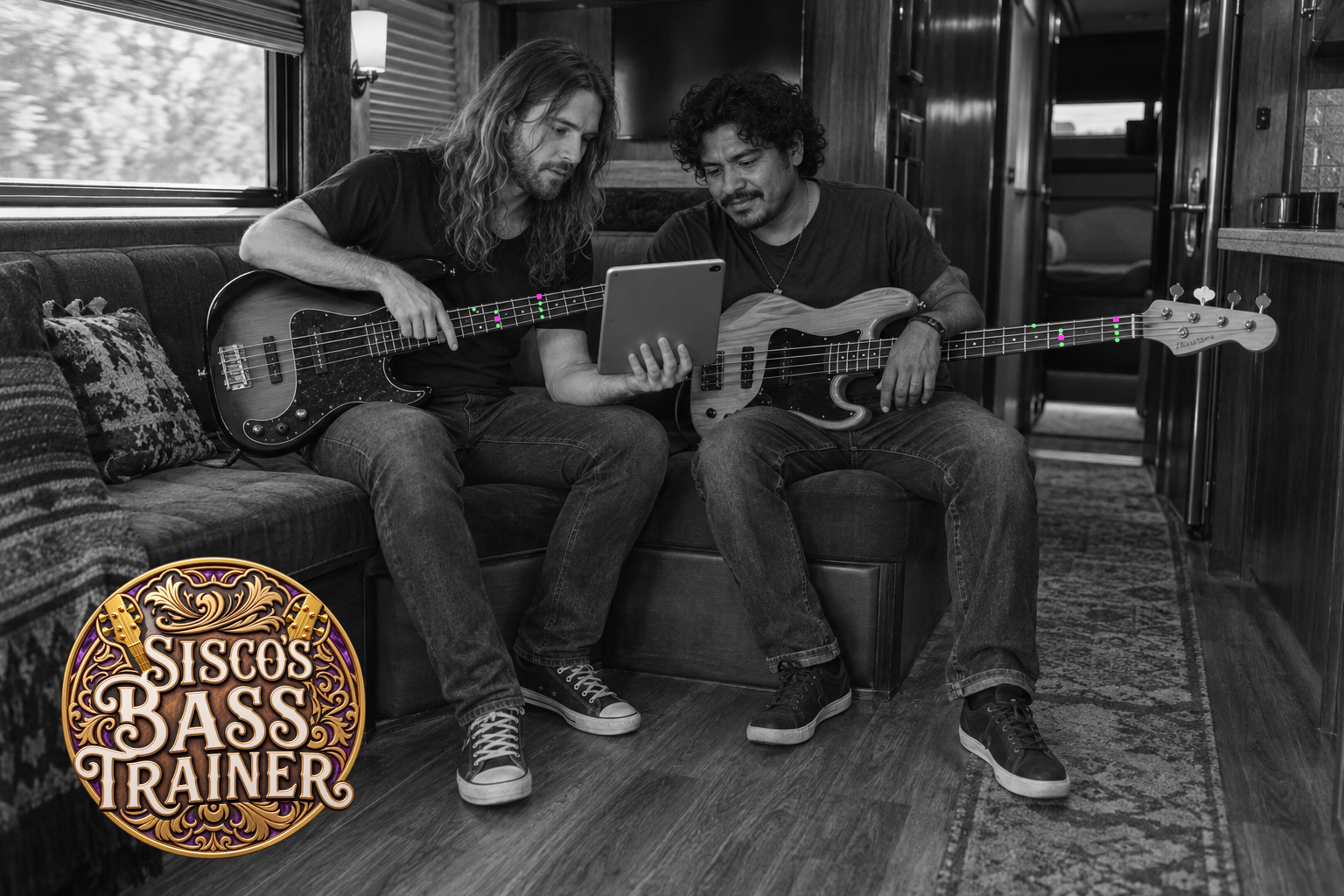
Looking for bass scales to practice? Take your bass fretboard exercises from a home band room to the tour bus, then share what you learn while the idea is still fresh.
Learn by doing
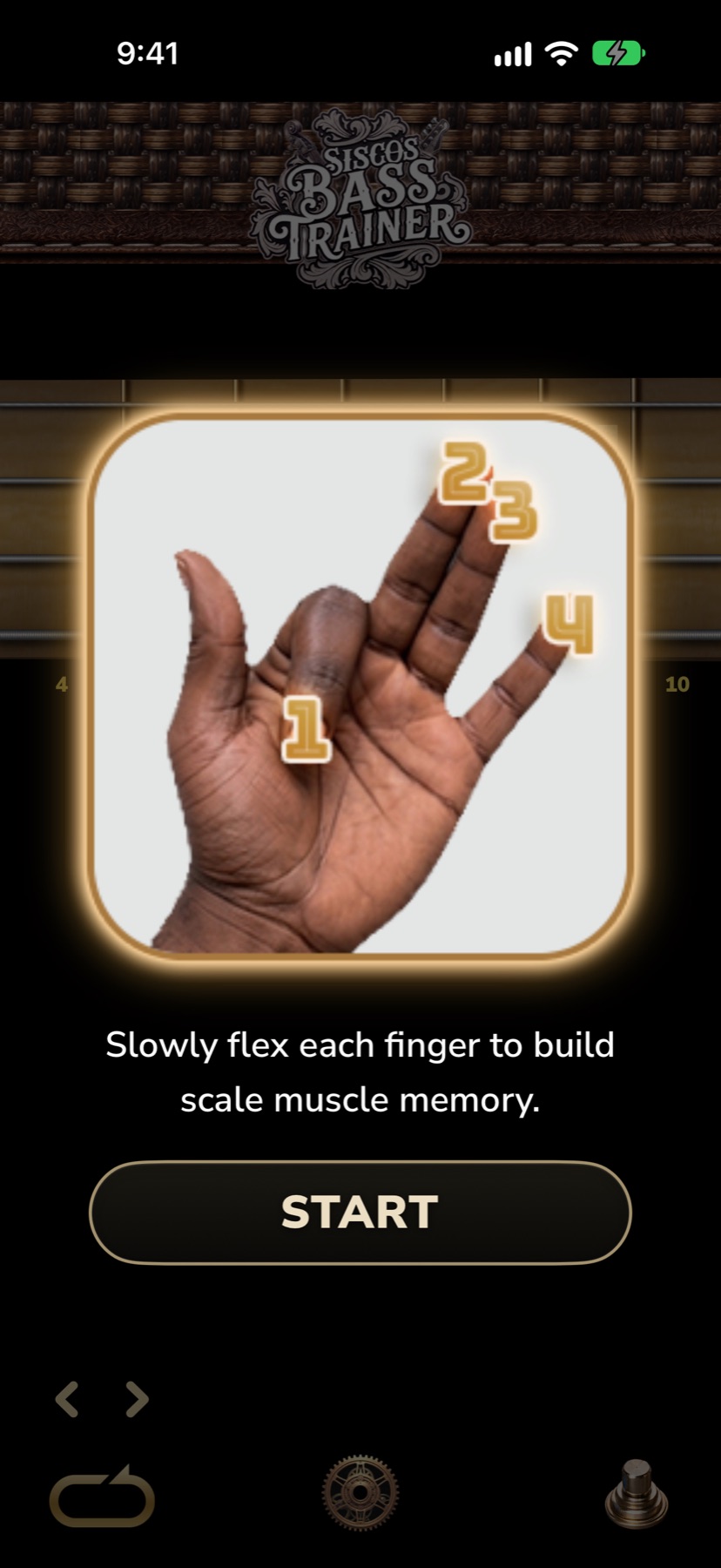
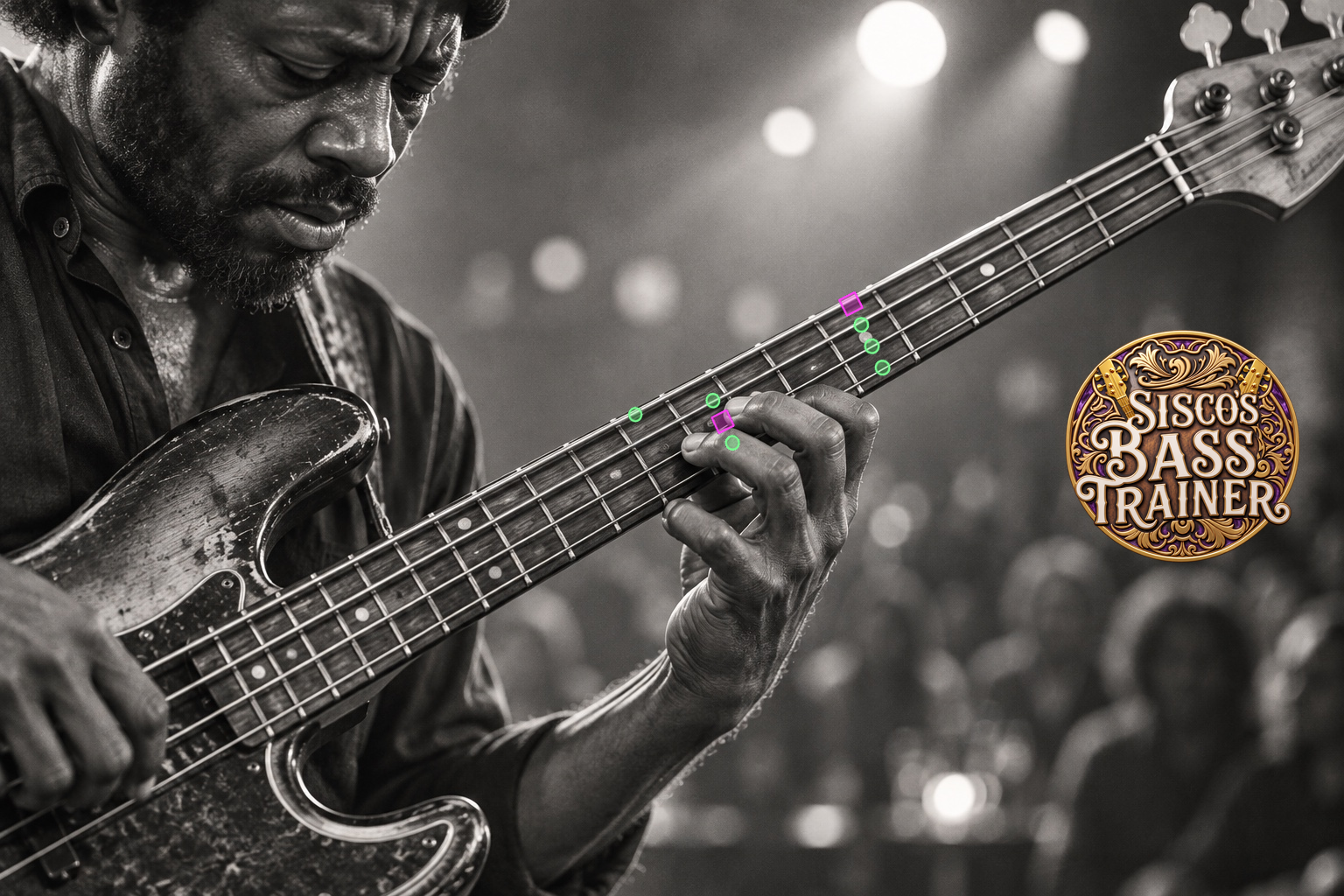
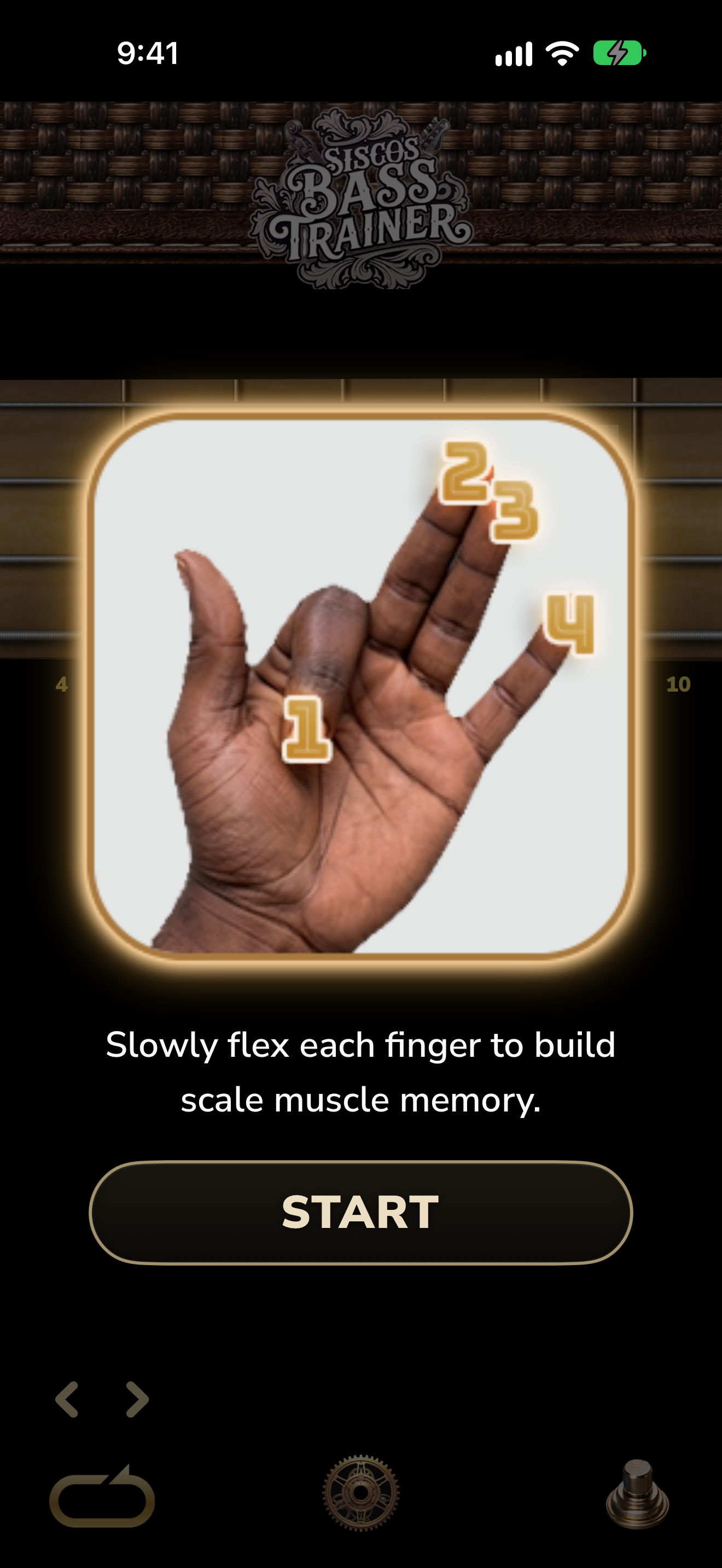
Follow the note targets in the demonstration above, then train the finger movement behind those bass scales. Short, camera-guided exercises help build the hand shapes between playing sessions.
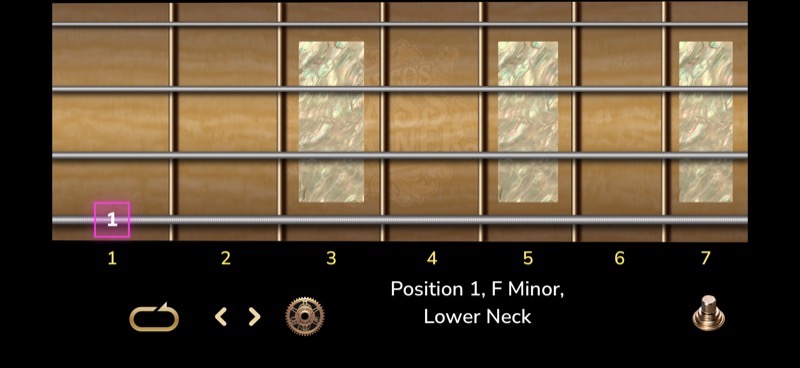
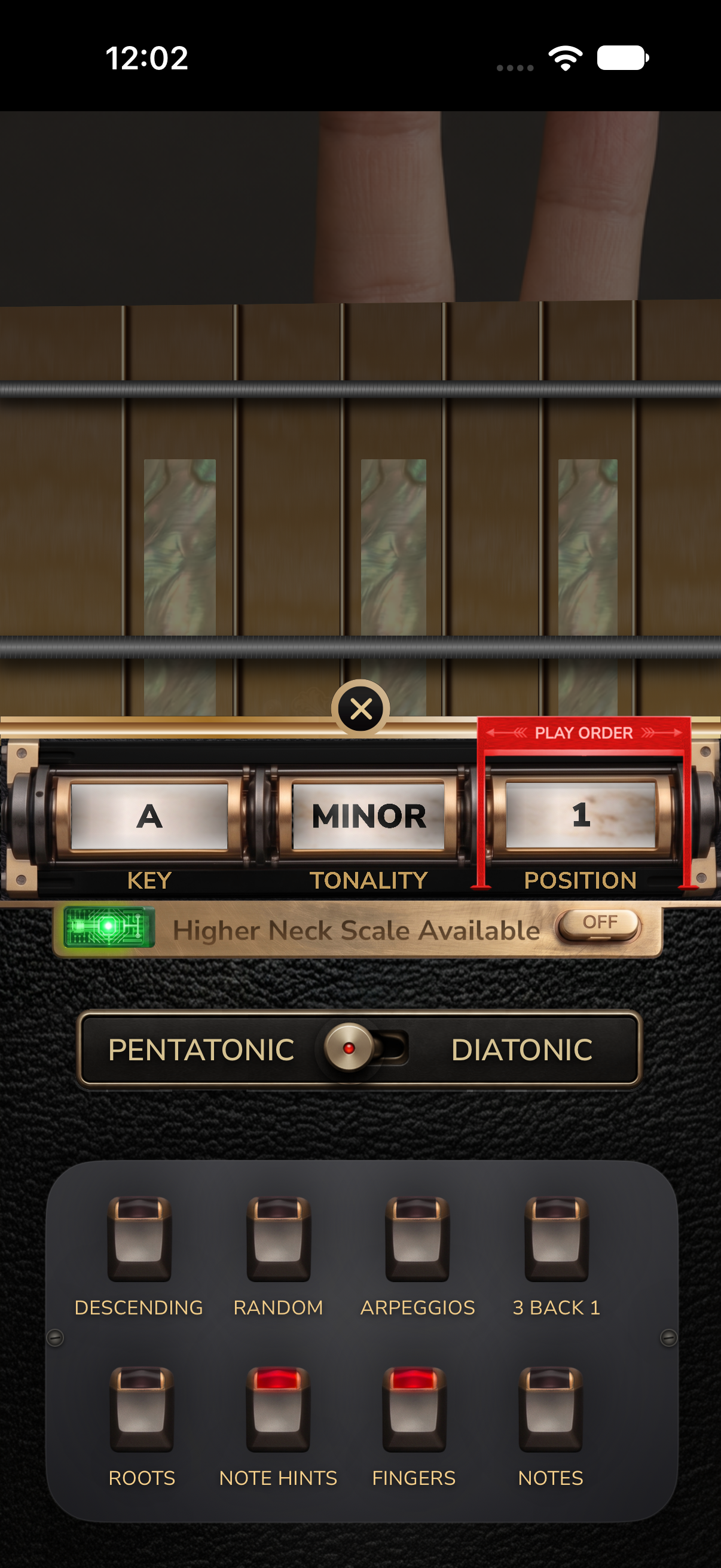
Both screens are captured from the app. The landscape simulator capture does not include live camera video.
Real-time listening
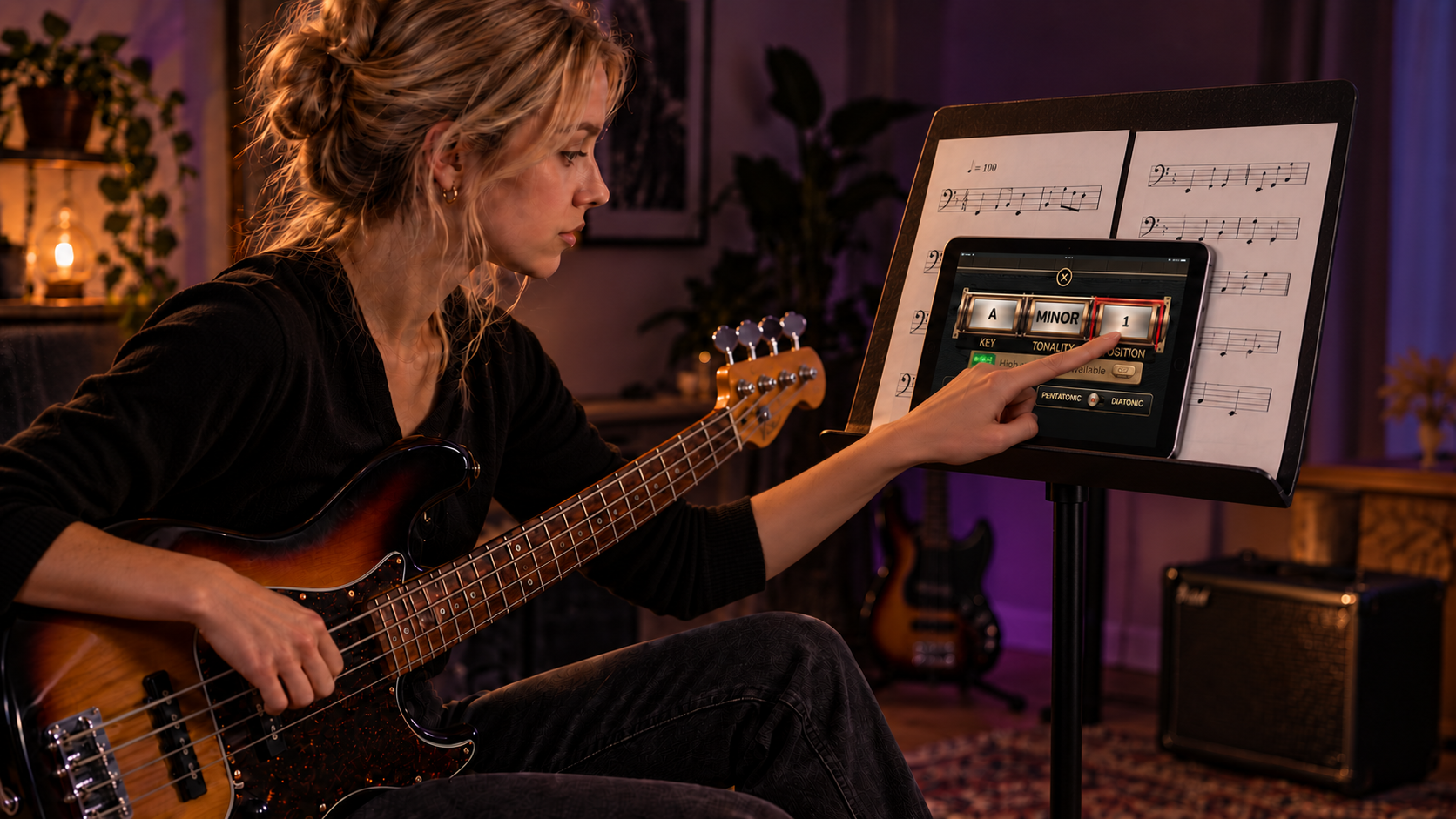
Choose the scale you want to practice, set the key and neck area, then play. The app hints the next fret, listens for your note, and responds immediately. Play the correct pitch and the exercise moves to the next note in the scale.
Select the scale position, key, direction, and lower or higher area of the neck.
A bright target marks the exact string and fret for the next note. Play that note on your bass.
The app listens in real time, confirms the right pitch, and automatically presents the next note in the scale.
Start free
Free daily practice sessions and your first two pentatonic positions included
Get our free bass learning app today and receive your first two minor pentatonic positions to begin. Enjoy a couple of free practice sessions each day, or watch an ad for additional sessions and reward unlocks. Upgrade to Full Unlock for all scale modes, live AR sessions, unlimited practice, practice settings, quizzes, and Easter eggs!